Messages
DMs and group chats with anyone on your friends list, whichever server they're on. Attach photos and clips, and never miss one: unread counts sit right on the icon.
- Group chats you can name, add to and leave
- EnderCloud: the one group every player is in
- The same chats on the web in EnderChat

Calls
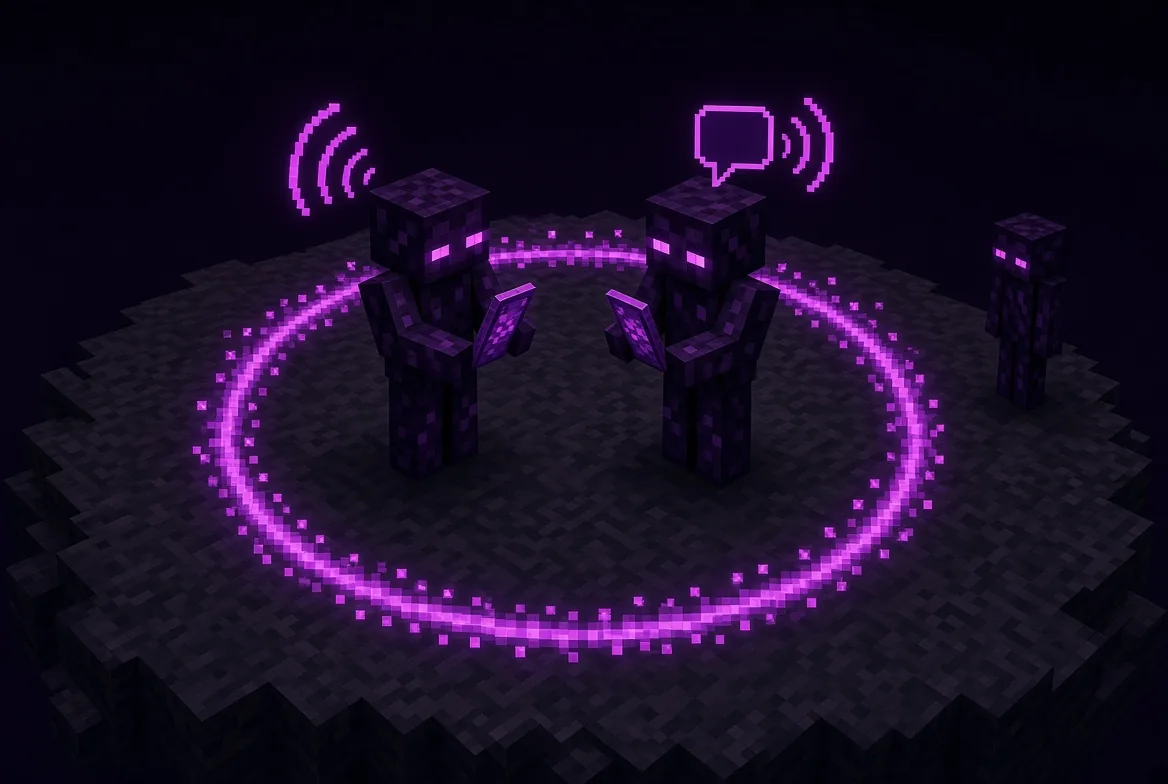
Voice and video calls in the game, no Discord tab needed. Show your face, what you're looking at, or turn the selfie camera round. It all works with your shaderpack on.
- Opus audio, through the closest voice region
- Y answer, N hang up, M mute, J camera
- Works across servers

Friends
Your friends list, requests, and who's online right now. Turn on nearby friends and they show up on your map. Only where you are right now is shared, never a history.
- Find players by name
- Profiles with their photos and clips
- Opt-in location sharing

Social
A feed of what your friends have been building: photos and clips, likes and comments. The same feed is on the web as Enderbook, so you can scroll it from your desktop too.
- Post straight from Camera or Photos
- Likes, comments, follows
- Clips play right in the feed

Camera
Photos and short clips of the build, without the HUD in the way. Frame it, filter it, set a timer and put the phone on a tripod to get yourself in the shot.
- V photo, G clip, B filter, X shape
- Selfie camera, self-timer, burst, exposure, zoom
- Tripod: place the camera in the world with P

Photos
Every shot and clip in one gallery. Edit, filter, set one as your wallpaper, or share it into a chat or onto your feed in two taps.
- Photo editor with seven filters
- Clips play back on the phone
- Share to chats, Social or Enderbook

Map
A proper minimap and a full-screen world map, remembered per server and dimension. It replaces the map mod you'd normally install.
- Waypoints with beams, groups and a death marker
- Mob radar with real mob faces, cave mode, chunk grid, slime chunks
- Light-level overlay, Xaero waypoint import, export or publish your map

Lookup
Every item and recipe in the game, searchable. The same panel sits beside every chest and crafting table, so you never alt-tab to a wiki again.
- Search by name,
@mod, #tag or $id - R recipes and U uses on any hovered item
- Fill the crafting grid from a recipe in one click

Music
Tune into a station and everyone on it hears the same song at the same moment, or play your own music while you build. What's playing shows on the home screen.
- Live stations, in sync for everyone
- Your own tracks
- Now-playing card on the Modern home screen

Browser
A real web browser in the game, with a directory of community sites to start from. Turn the phone sideways and it goes edge to edge. Built into the full EnderPhone.
- Real Chromium, not a mock-up
- Sites directory: EnderChat, Enderbook, server lists and more
- Full-screen in landscape

Alerts
Missed calls, friend requests, mentions and messages from the server, in one list. A badge on the icon tells you when there's something new.
- Tap one to jump to it
- Unread badges on the home screen
- Everything in one place

Games
Something for the long walk back from the End city. Snake for when you're alone, Connect 4 against a friend, turn by turn, even on another server.
- Connect 4: challenge any friend
- Snake with a high score
- Matches wait for your move

Style
Everything about how you look: your cape, cosmetics, wallpaper and the phone's colour. Upload your own cape, even an animated one, and other players see it on your back and on your elytra.
- Custom capes from a PNG or animated GIF
- Cosmetics and wallpapers
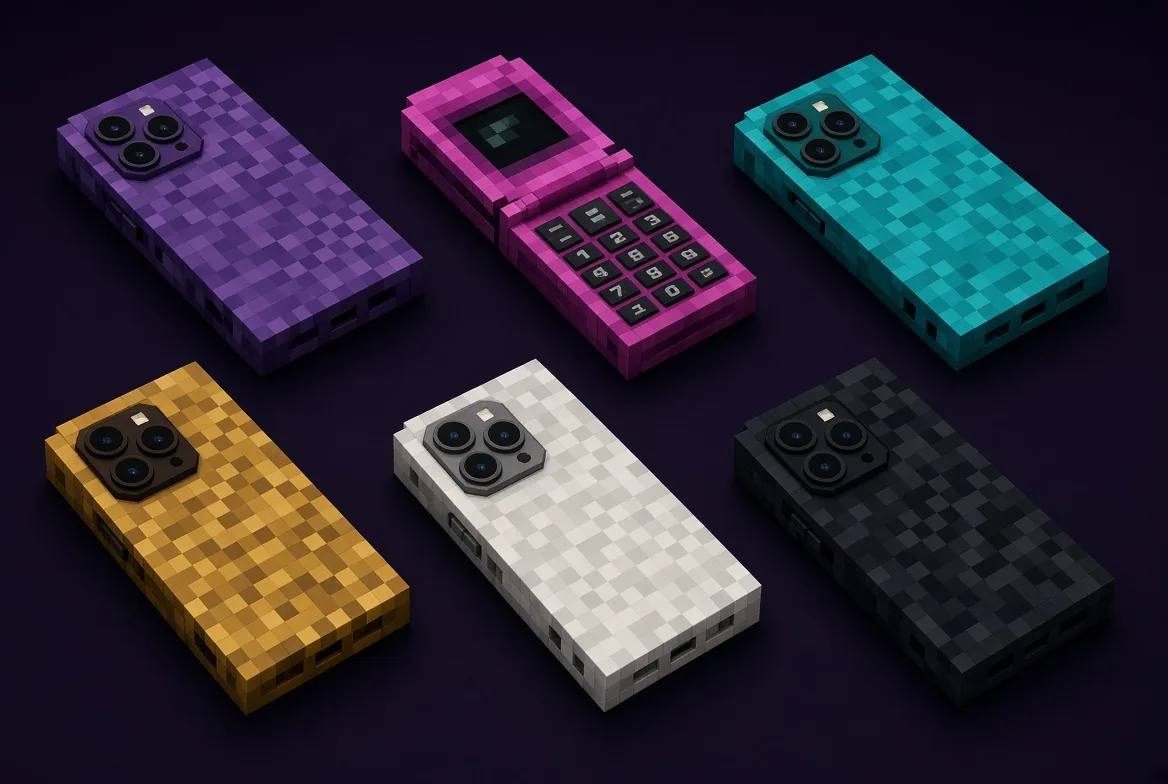
- Six phone colour themes

Settings
Theme, phone style, minimap layout, voice and visuals. Visuals colour-grades the world with looks like Cinematic and Vivid: tune one live, then pin it to a dimension.
- Modern or Classic phone (full EnderPhone)
- Proximity voice: push-to-talk or open mic
- Account, password and email




 EnderTube